Room Design Planner · how it works, part 5 of 7
How the room design planner works · Part 5 — See it finished: by the fire, at evening, and made real with AI
Turn the room round, sit in it at eye level, set it to evening, then see it finished and lived in, as a photo of your own design.
About this video
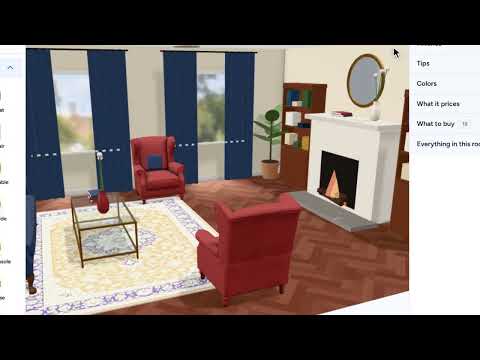
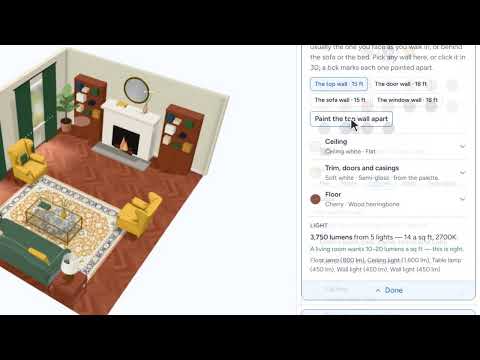
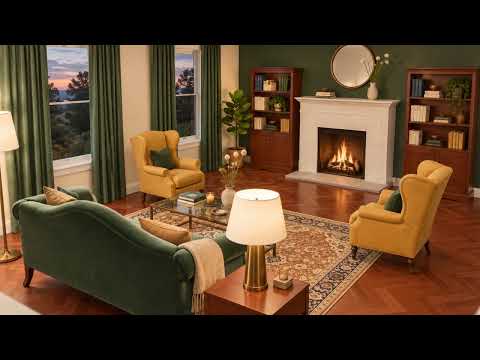
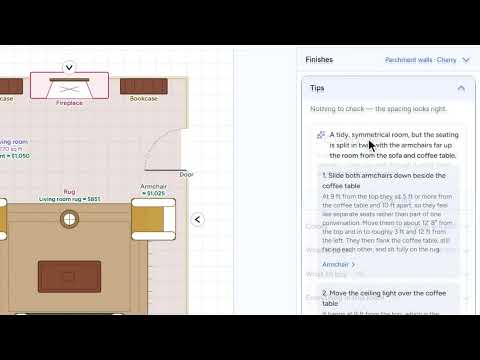
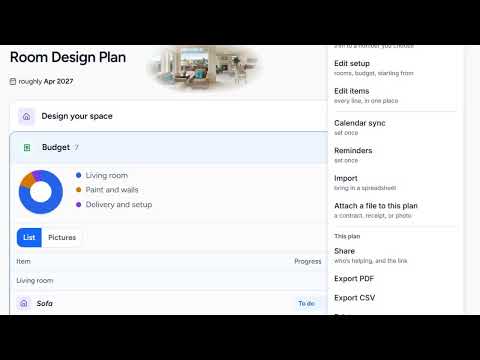
Now see it the way you will live in it. Turn the whole room round from the View menu and look back across it from the fireplace to the sofa wall: the landscape over the green velvet, between its two wall lights. Step in at eye level, the way you will sit on the sofa, and set the time of day to evening: the lamps come on and the fire is lit. Then See it finished with AI brings it to life, lived in, with the throws, cushions and everyday things that make it home: your living room, finished, made by AI from your own 3D design. And up top, what it all costs, before you have bought a thing.
What you’ll see
- The room turned round from the View menu, from the fireplace to the sofa wall
- Eye level, where you’ll sit on the sofa
- Evening: the lamps on and the fire lit
- See it finished with AI: the room as a photo, lived in
- What it all costs, before you’ve bought a thing
How the Room Design Planner works
All videos- Part 1: Your first plan: a few answers, and the room is priced1:42
- Part 2: Ideas you love: pin the looks you want, then design toward them0:52
- Part 3: See it in 3D: a living room round a fireplace, priced as you draw1:17
- Part 4: Make it yours: a palette, a painted wall and a picture over the sofa1:37
- Part 5: See it finished: by the fire, at evening, and made real with AIWatching now1:05
- Part 6: A designer’s eye: what they’d change, and where0:46
- Part 7: Budget, timeline and help: the whole room, priced and in order1:29