Wedding Planner · how it works, part 2 of 10
How the wedding planner works · Part 2 — The idea board: keep every possibility, with its picture
Where the wedding stops being a list of costs and starts looking like a wedding.
About this video
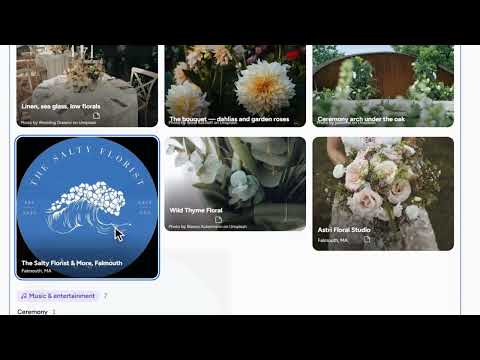
The idea board is your shortlist of preferred venues and vendors, each with its picture. There are two ways to add one. From a website: paste the address of a florist you found, and the planner reads the page and brings the site’s own picture with it. From a recommendation: Recommendations, just below the board, already knows your wedding, your town, your month and your guest count, so a pick is one tap from the board. Every idea keeps its photo, its notes and its address, and stays “considering” until you decide. An idea is not a decision, so add the next thing you find.
What you’ll see
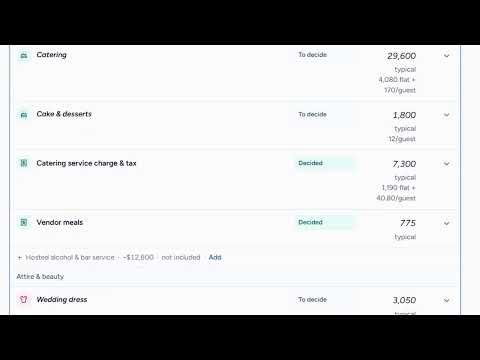
- Joe and Mary’s shortlist of real venues and caterers
- An idea added from a florist’s website, picture and all
- Each idea’s photo, notes, address and status
- A recommendation added to the board in one tap
How the Wedding Planner works
All videos- Part 1: The budget: typical costs, until you know yours0:51
- Part 2: The idea board: keep every possibility, with its pictureWatching now1:32
- Part 3: Recommendations: picks that know your plan0:51
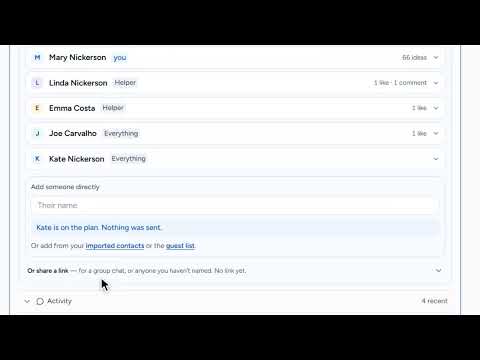
- Part 4: Likes, comments and sharing: plan it together1:08
- Part 5: Collecting addresses: a page guests fill in themselves3:38
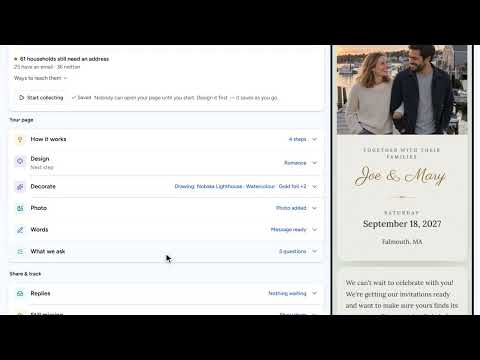
- Part 6: Your wedding website: built from your plan, then yours2:43
- Part 7: Guests and RSVPs: a list that answers itself1:08
- Part 8: Seating, in 2D and 3D: see the room before the day1:13
- Part 9: Payments: what’s paid, what’s next0:50
- Part 10: The day’s timeline: from hair and makeup to the last dance0:52