Closet & Built-ins Planner · how it works, part 4 of 8
How the closet planner works · Part 4 — Make it yours: any section, any finish
Click any section to change it: doors like a wardrobe, sage paint, shaker fronts and brass, then see it finished.
About this video
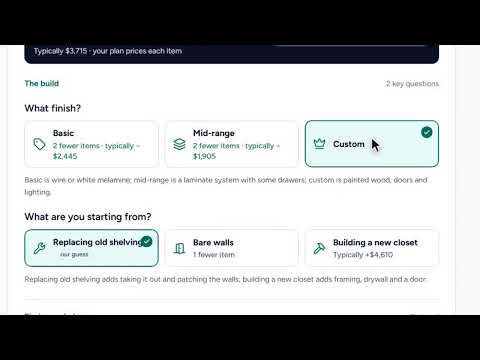
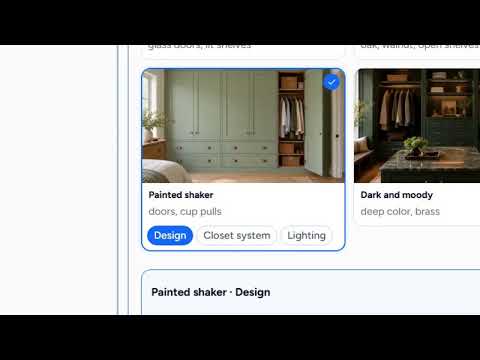
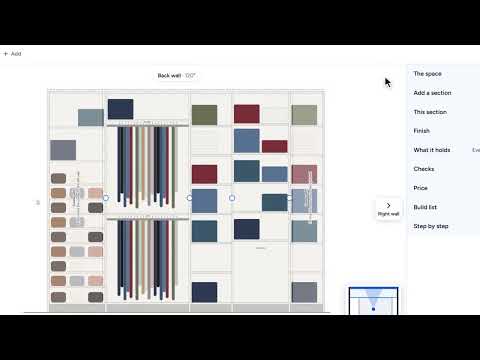
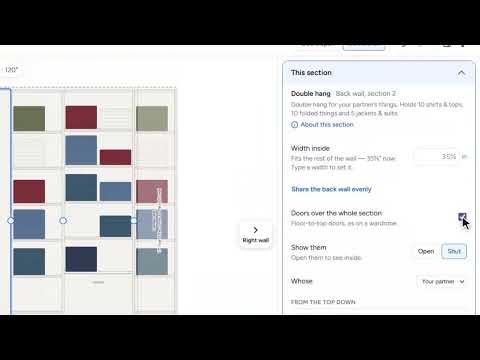
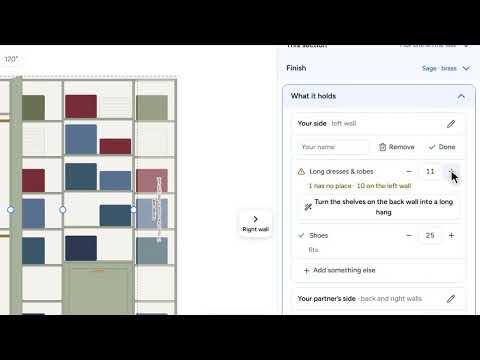
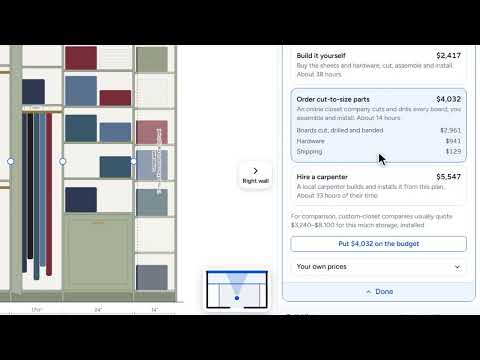
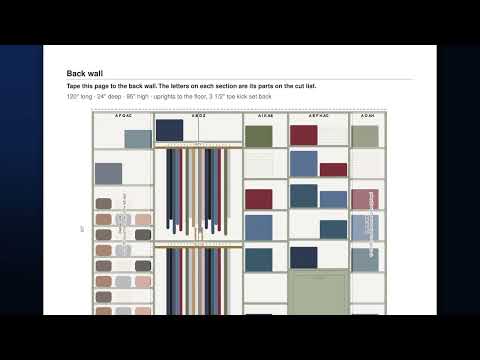
Everything it drew is yours to change. Click any section and it opens on the right with what it is for: here, your partner’s double hang, holding ten shirts, five suits and ten folded things. Give it doors, floor to top, like a wardrobe, in the painted shaker look you pinned. Then the finish: sage, painted MDF for a smooth painted look, shaker fronts, and brass for the rods and the pulls. Here it is in 3D before you have bought a single board. Then See it finished with AI: your closet as it will look built, made by AI from your own 3D design. And the price moves with every change.
What you’ll see
- A section opened, with what it holds
- Doors, floor to top, like a wardrobe
- Sage, painted MDF, shaker fronts and brass
- The closet in 3D, then finished as a photo made by AI
- The price moving with every change
How the Closet & Built-ins Planner works
All videos- Part 1: Your first plan: three answers, and it’s priced1:23
- Part 2: Ideas you love: pin the looks you want, then design toward them0:48
- Part 3: Design it for you: describe your closet, and see it drawn1:27
- Part 4: Make it yours: any section, any finishWatching now1:03
- Part 5: What it holds: a home for everything you own0:49
- Part 6: Price it three ways: yourself, a kit, or a carpenter0:59
- Part 7: Build it: the shopping list, the cuts and every step1:24
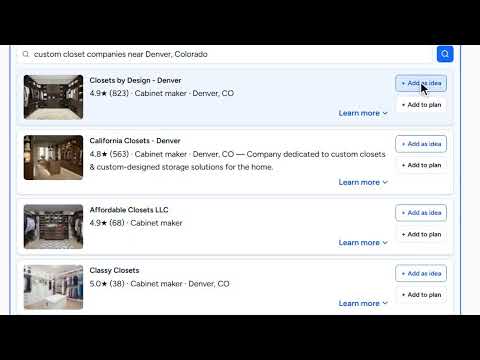
- Part 8: Recommendations: closet companies, carpenters and answers near you0:48